


Developers often need access to search results programmatically. Whether you are building an SEO tool, tracking brand visibility, researching competitors, or collecting market data, being able to query search engines and receive structured results is essential. However, accessing this data reliably can be difficult. Official search APIs are limited, and scraping search engine result pages directly can lead to blocking, CAPTCHAs, and unstable data pipelines.
This is where search APIs and SERP APIs become useful. Instead of building and maintaining your own scraping infrastructure, these APIs return structured search results through simple HTTP requests. Most provide results in JSON format and support multiple result types such as web listings, images, shopping results, videos, and news.
Many providers also offer free tiers that allow developers to test integrations, prototype tools, or run smaller workloads without upfront cost. However, “free” search APIs usually come with request limits, rate throttling, and feature restrictions. Choosing the right API depends not only on cost but also on reliability, supported result types, and how easy it is to integrate into your workflow.
In this guide, we’ll look at six of the best free search APIs available to developers in 2026. We will compare their free tiers, supported result types, and integration experience, and show quick examples so you can start testing immediately.
Key Takeaways
- “Free” search APIs usually come with strict limits. Most providers offer limited monthly requests, rate caps, or trial credits rather than unlimited usage.
- Structured JSON output is essential. APIs that return clean, structured data make it much easier to build dashboards, analytics tools, and automation workflows.
- Result types matter. The best search APIs support multiple result types such as web results, images, shopping listings, videos, and news.
- Reliability is more important than unlimited free usage. For production tools, consistent responses and predictable quotas matter more than a large but unstable free tier.
- Developer experience can speed up integration. Good documentation, simple endpoints, and tools like API playgrounds make testing and building much faster.
- Scaling requires smart request management. Caching results, batching keyword requests, and handling rate limits are essential when working with free API tiers.
What “Free Search API” Actually Means (In Practice)
Many search APIs advertise a free tier, but it rarely means unlimited access. In most cases, “free” is designed to help developers test integrations, build prototypes, or run small workloads before upgrading to a paid plan. Understanding the practical limits of these tiers helps you choose an API that fits your project without running into unexpected restrictions.
Free tier limits
Most search APIs provide a limited number of requests per month. These quotas vary widely depending on the provider and are often designed for testing or small-scale applications. Free tiers may also restrict certain features, such as advanced result types, geographic targeting, or large batch queries.
Because of these limits, developers typically use free tiers during development and early deployment, then upgrade once usage grows.
Rate limits and throttling
In addition to monthly quotas, many APIs enforce rate limits that control how many requests you can send per second or per minute. If your application sends requests too quickly, the API will usually return a 429 rate limit error.
To avoid this, applications should implement simple request management strategies such as queueing requests or adding short delays between calls.
Data freshness and reliability
Search APIs rely on complex infrastructure to retrieve and parse search engine results. This includes handling proxies, solving CAPTCHAs, and maintaining stable scraping systems.
Free tiers may occasionally have slower response times or lower priority access compared to paid plans. For developers building tools that rely on consistent SERP data, reliability and response consistency are important factors to consider.
When you outgrow the free tier
Many developers start with a free search API for experimentation or small projects. As usage grows, common signs that you may need a paid plan include:
- Running out of monthly requests
- Hitting rate limits frequently
- Needing additional result types or advanced parameters
- Requiring more consistent request throughput
Planning for this transition early helps avoid disruptions when your application begins handling larger workloads.
Comparison of the Best Free Search APIs
Provider | Free Tier Type | Result Types | Output | Best For | Key Limitation |
Zenserp | Permanent Free Tier | Web, Images, Shopping, YouTube, News, etc | JSON | Developers building SERP tools | Limited monthly quota |
SerpAPI | Limited free trial | Web, Images, News, Shopping | JSON | Fast prototyping | Paid quickly |
DataForSEO | Small free credits | Web, Images | JSON | SEO pipelines | Setup complexity |
ScraperAPI | Free trial | Web | JSON/HTML | Scraping workflows | Not SERP focused |
Bright Data SERP | Free trial | Web, Images, Maps | JSON | Large scale scraping | Expensive after trial |
Serper.dev | Permanent Free Tier | Web, Images, News | JSON | Simple integrations | Fewer engines |
The 6 Best Free Search APIs
Many APIs provide access to search engine results, but only a few offer useful free tiers that developers can realistically test or integrate into small projects. Below are six popular search APIs that provide structured results, developer-friendly endpoints, and free usage options.
Zenserp (Free Tier)
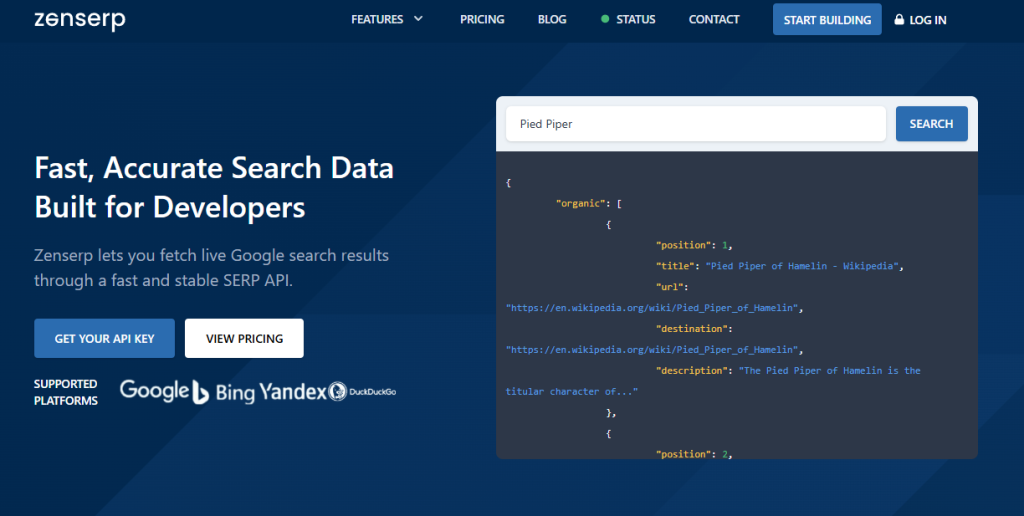
Zenserp is a SERP API designed to provide structured search results from Google and other engines through simple HTTP requests. It supports multiple result types beyond standard web results, making it useful for developers building SEO tools, research pipelines, and monitoring systems.
Free tier overview
Zenserp offers a free tier that allows developers to test requests and integrate the API without upfront cost. Results are returned in structured JSON format, making them easy to process in applications or data pipelines.
Best use cases
- SERP monitoring and SEO tools
- Price tracking using Shopping results
- Image research or dataset generation
- Video research using YouTube search results
- Market and competitor analysis
Limitations
- Free tier request limits
- Higher volumes require upgrading to paid plans
Integration note
Best for developers who need structured search results across multiple result types with fast testing and simple HTTP requests.
Zenserp Playground
Zenserp also provides an interactive Playground where developers can test queries and parameters directly in the browser. This allows you to quickly and immediately experiment with request settings and view the JSON response before integrating the API into your application.
YouTube Search Endpoint
You can retrieve YouTube search results through Zenserp using a simple API request.
curl "https://app.zenserp.com/api/v2/search?apikey=YOUR-APIKEY&q=javascript%20tutorial&search_engine=youtube.com&gl=US&hl=en"
Use cases include video research, tracking YouTube search visibility, and analyzing trending video topics.
Google Shopping Endpoint
Zenserp can also return Google Shopping results, which is useful for price monitoring and e-commerce analytics.
curl "https://app.zenserp.com/api/v1/shopping?apikey=YOUR-APIKEY&product_id=running%20shoes&location=Manhattan%2CNew%20York%2CUnited%20States&gl=US&hl=en"
Developers often use this endpoint for product tracking, competitive price analysis, and marketplace research.
Google Image Endpoint
The image search endpoint allows developers to retrieve image results directly from Google.
curl "https://app.zenserp.com/api/v2/search?apikey=YOUR-APIKEY&q=mountain%20landscape&tbm=isch&gl=US&hl=en"
Common uses include content research, media discovery, and building datasets for machine learning projects.
For full endpoint details, parameters, and additional examples, developers can explore the Zenserp documentation
SerpAPI
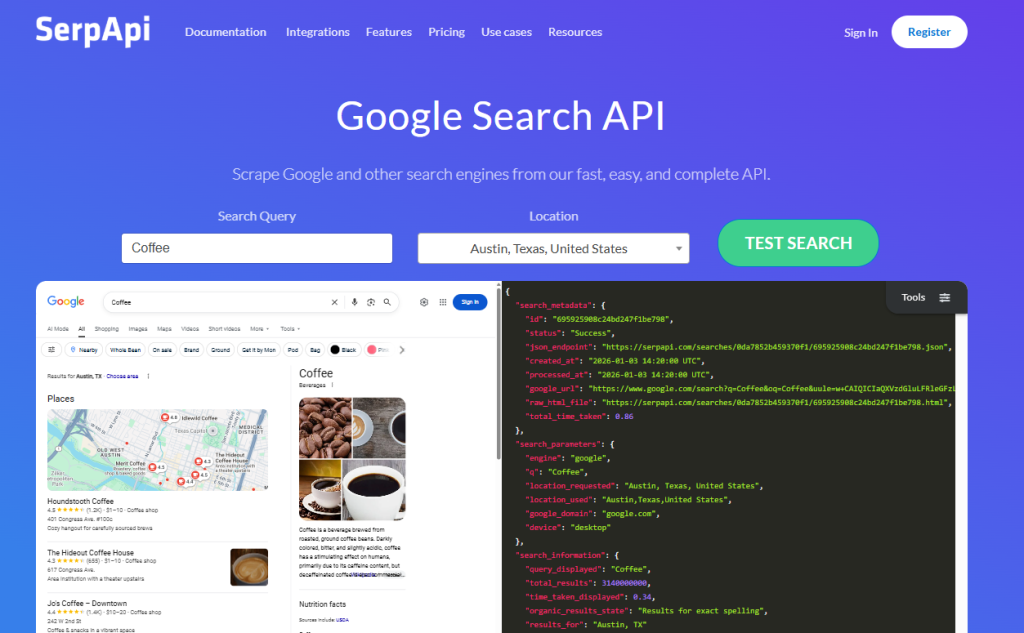
SerpAPI is a well-known SERP API that provides structured search results for Google and several other search engines. It is commonly used by developers building SEO tools or analytics platforms.
Free tier overview
SerpAPI offers a limited free plan that allows developers to test the API and build initial integrations.
Best use cases
- Rank tracking tools
- Competitive search analysis
- SEO data collection
Limitations
- Free tier requests are limited
- Costs increase quickly for large workloads
Integration note
Best for developers who want a reliable and widely used SERP API with strong documentation.
DataForSEO

DataForSEO is a search data platform focused on SEO analytics and large keyword datasets. It provides APIs that return structured search results and keyword data.
Free tier overview
The platform provides free credits that allow developers to experiment with the API before moving to paid usage.
Best use cases
- SEO analytics tools
- Keyword research pipelines
- Market research and trend analysis
Limitations
- Setup can be more complex than simpler APIs
- Designed primarily for SEO data workflows
Integration note
Best suited for developers building data-heavy SEO platforms or analytics pipelines.
ScraperAPI
ScraperAPI is a general-purpose scraping API that helps developers retrieve web pages without dealing with proxies or CAPTCHA challenges.
Free tier overview
The platform offers free trial credits that allow developers to test scraping workflows.
Best use cases
- Web scraping pipelines
- Data extraction from websites
- Custom scraping infrastructure
Limitations
- Not specifically optimized for structured SERP results
- Developers may need to parse HTML manually
Integration note
Best for developers who want a flexible scraping infrastructure rather than a dedicated SERP API.
Bright Data SERP API
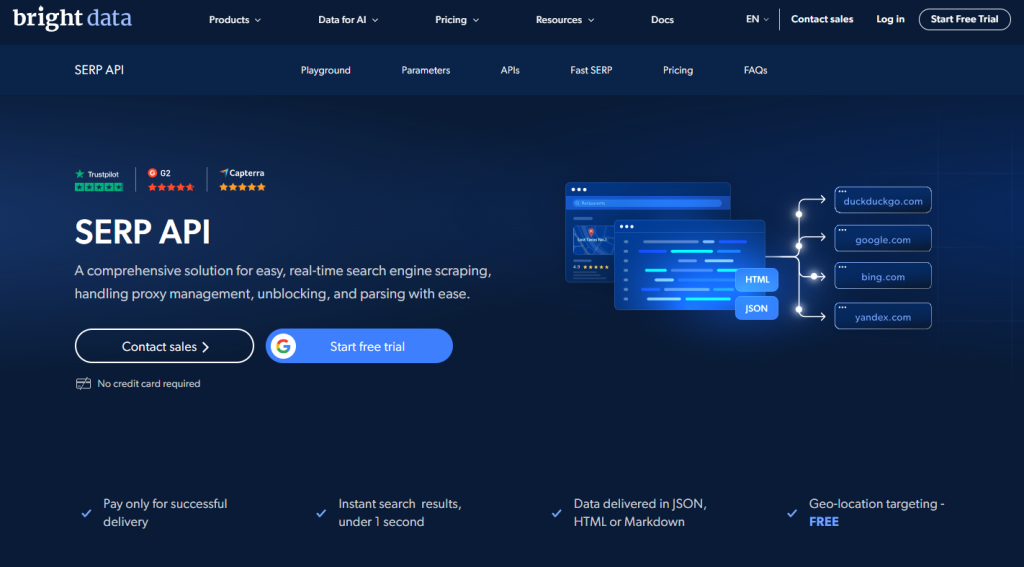
Bright Data provides enterprise-grade scraping infrastructure, including APIs specifically designed for retrieving search engine results.
Free tier overview
The platform typically provides trial access so developers can evaluate the service before upgrading.
Best use cases
- Large-scale data collection
- Enterprise scraping workflows
- Global search monitoring
Limitations
- Pricing is higher than most alternatives
- Setup may be complex for small projects
Integration note
Best for organizations that need high-scale data extraction and enterprise-level scraping infrastructure.
Serper.dev

Serper.dev is a lightweight search API designed to provide Google search results through simple REST endpoints.
Free tier overview
The platform offers a free tier with limited requests that allows developers to integrate search functionality quickly.
Best use cases
- Small applications
- AI tools that require search results
- Rapid prototyping
Limitations
- Limited advanced features
- Fewer supported result types compared to larger platforms
Integration note
Best for developers who want a simple, lightweight API for quick search integrations.
Managing High Volume on Free Tiers
Free tiers are useful for testing integrations and running smaller workloads, but large keyword lists or frequent queries can quickly hit request limits. To make the most of a free search API, developers should focus on reducing unnecessary requests and managing traffic efficiently.
Here are a few practical strategies that help when working with high query volumes.
Cache search results
Caching prevents your application from making the same request multiple times.
- Store search results in a cache or database after the first request
- Reuse stored results instead of calling the API again
- Cache results for 24–72 hours for keywords that do not change frequently
- This approach significantly reduces the number of API requests your application sends
Process keywords in batches
Sending large bursts of requests can quickly trigger rate limits.
- Split large keyword lists into smaller batches
- Process batches gradually using queues or scheduled jobs
- Spread requests across time to avoid exceeding per-second limits
- This approach works well for SEO monitoring or large keyword datasets
Handle rate limits properly
Most search APIs return a 429 status code when too many requests are sent too quickly.
- Detect 429 responses in your application
- Retry requests after a short delay instead of immediately resending them
- Use exponential backoff so each retry waits slightly longer
- This prevents repeated failures and keeps your requests within allowed limits
Store results for analytics
Saving search results locally helps avoid repeated API calls.
- Store results in a database for reporting or analytics
- Reuse stored data when generating dashboards or reports
- Track changes in rankings or search visibility over time
- This approach reduces API usage while enabling historical analysis
Prioritize important keywords
Not all keywords need to be refreshed at the same frequency.
- Identify high-priority keywords such as brand terms or product queries
- Refresh these keywords more frequently
- Refresh long-tail or research keywords less often
- This helps allocate API requests more efficiently and extend free tier usage
Real Use Cases for Search APIs
Search APIs are used in many developer workflows that require programmatic access to search engine results. By returning structured JSON data, these APIs make it easier to build automation, analytics tools, and research pipelines without maintaining complex scraping infrastructure.
Below are some of the most common real-world use cases.
SERP monitoring for SEO tools
Many SEO platforms rely on search APIs to monitor rankings and track how websites appear in search results.
- Track keyword rankings across different locations and devices
- Monitor featured snippets, ads, and other SERP features
- Build dashboards that show ranking changes over time
- Compare search visibility against competitors
Price monitoring using shopping results
Shopping results can be used to track product pricing across e-commerce listings.
- Monitor competitor prices for specific products
- Track product availability and seller listings
- Detect pricing changes over time
- Build automated price comparison tools
Image research and content discovery
Image search APIs help developers gather image results for research or content analysis.
- Discover images related to specific topics or keywords
- Collect images for datasets or machine learning projects
- Analyze visual trends in search results
- Support content planning and design research
Video research and YouTube monitoring
Video search endpoints can be used to analyze YouTube search results and video trends.
- Discover videos related to specific keywords
- Monitor how videos rank in YouTube search results
- Track competitors’ video content strategies
- Identify trending topics in video search
Brand monitoring
Search APIs enable tracking how a brand appears across search results.
- Monitor brand mentions in search listings
- Track reputation changes over time
- Identify new pages or articles mentioning a brand
- Detect potential reputation risks early
Market research and trend analysis
Search results often reflect broader market trends and user interests.
- Analyze search visibility for industries or products
- Identify emerging competitors
- Track changes in search intent over time
- Support data-driven content and marketing strategies
Table of Contents
Test Search Queries in Real Time
Developers can quickly test search queries and explore structured search results directly in the Zenserp Playground. Explore the API documentation to learn how to integrate search data into your applications and start building.
FAQ
What is the best free search API?
The best free search API depends on your use case. Developers typically look for APIs that return structured JSON results, support multiple result types such as web, images, shopping, and video, and provide reliable infrastructure. Some APIs focus on SEO data, while others are better suited for general search integrations or scraping workflows.
Can free search APIs handle high volume?
Free tiers are usually designed for testing, prototyping, or small workloads. Most providers limit the number of requests per month and enforce rate limits. For high-volume production use, developers typically upgrade to paid plans or implement strategies such as caching, batching requests, and storing results to reduce API usage.
What result types should a search API support?
A good search API should support multiple result types depending on your application. Common result types include:
- Web search results
- Image results
- Shopping results
- Video results (such as YouTube)
- News results
- Maps or local results
Having access to different result types makes it easier to build tools for research, monitoring, and analytics.
How can I avoid getting rate-limited?
To avoid rate limiting when using a search API, developers should manage requests carefully.
- Cache results for frequently used queries
- Process keyword lists in batches
- Implement retry logic for 429 responses
- Use exponential backoff when retrying requests
These strategies help keep applications within API limits while maintaining stable data pipelines.
Do search APIs handle proxies and CAPTCHAs?
Most SERP APIs manage proxy rotation, CAPTCHA solving, and request infrastructure internally. This allows developers to retrieve search results through a simple API request without dealing with blocking or scraping challenges.
Stay Connected
No deposit bonuses hand new players a small amount of credit or a handful of spins without requiring any payment. They are genuinely free to claim, though the conditions attached are usually stricter than those on standard deposit matches.
The Real Terms Behind No Deposit Offers
The withdrawal ceiling is the detail that decides whether the offer means anything. Players who want the conditions in front of them can spin-fincasino.uk and compare the current promotions properly. Verification requirements still apply in full, so the account setup is identical to one funded with your own money.
| Offer | Typical Value | Max Withdrawal |
|---|---|---|
| Free credit | $10 | $50 |
| Free spins | 20 spins | $100 |
- Treat the offer as a free trial, not a funding source
- Check which games the credit can be used on
Used as a test drive, no deposit credit is genuinely useful, since it shows how a site plays before any money is committed. Used as a strategy it disappoints almost every time. Explore the lobby, form a view on the operator, and move on either way.
