

A price feed alone does not explain why a stock moved. Pair it with the news that moved it.
This guide builds a stock price and news tracker API with Marketstack for market data and Mediastack for related headlines. Both APIs are part of the APILayer suite, so one account gives you one API key, one dashboard, and one invoice.
Table of Contents
The result is a single endpoint your app can call for a ticker, the latest price record, and a small set of news items that match the company or symbol.
How Do I Build a Stock Price and News Tracker API?
Use Marketstack to fetch the latest stock price, use Mediastack to fetch matching news, then return both in one JSON payload.
That split keeps the system simple. Marketstack is the stock market data API. Mediastack is the news API. Your backend owns the merge logic, cache policy, and response shape.
The backend should not make the frontend understand two providers. The browser asks for one ticker, and your API returns the price, the timestamp, and the headlines needed to explain the move.
This pattern also gives you a clean place to add authentication, rate limits, cache headers, and symbol normalization later. Those parts matter once the tracker moves from a demo page into a real portfolio tool.
Set Up One APILayer Key
Create an APILayer account and copy your API key from the dashboard.
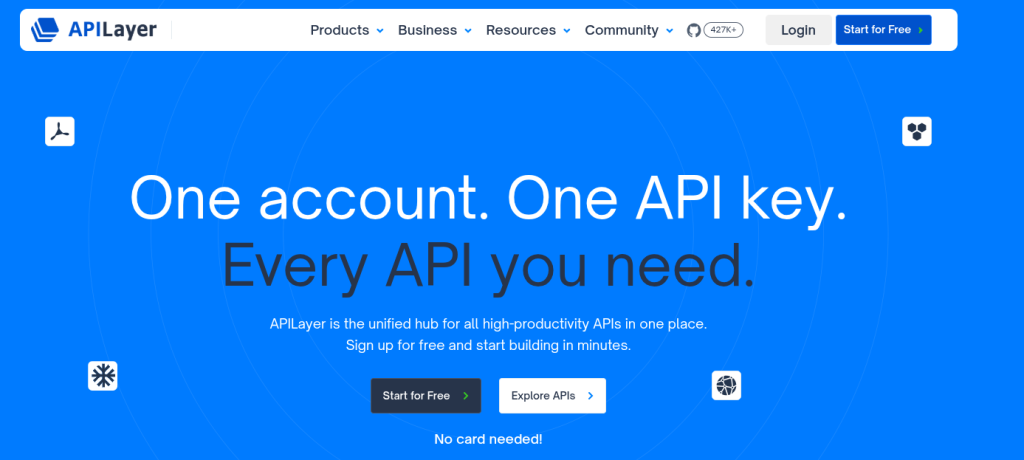
Store it as an environment variable so you do not ship credentials in your code.
export APILAYER_KEY=your_api_key
Use the official docs while building: Marketstack API documentation and Mediastack API documentation. Marketstack uses v2 endpoints. Mediastack currently uses the v1 news endpoint.
Keep the key on the server. A stock tracker usually sits inside a web app, and the frontend should call your own endpoint instead of calling Marketstack and Mediastack directly.
That gives you control over request volume. It also lets you hide upstream errors behind clear product language, such as price unavailable or no matching headlines found.
Call the Marketstack API for Prices
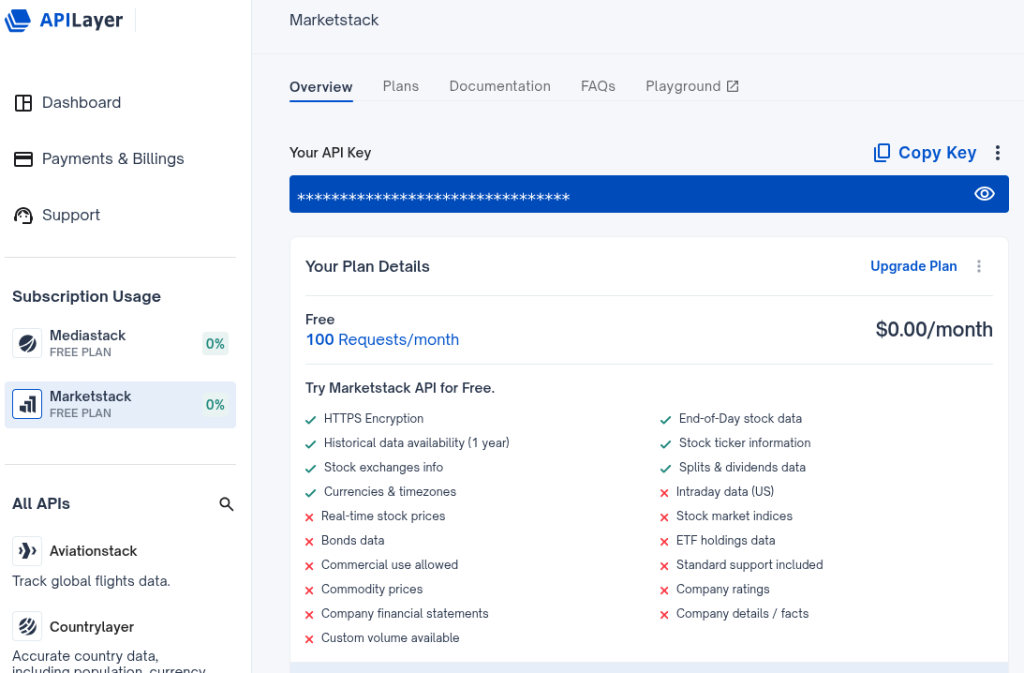
For a tracker, start with the latest end-of-day quote. It works well for portfolio views, watchlists, and daily movement summaries.
					curl
"https://api.marketstack.com/v2/eod/latest?access_key=$APILAYER_KEY&symbols=AAP
L&limit=1"
The Marketstack v2 schema returns pagination and a data array. The fields below are the ones most trackers need first.
					{
  "data": [
    {
       "close": 214.4,
       "date": "2026-07-08T00:00:00+0000",
       "exchange": "XNAS",
       "high": 216.23,
       "low": 211.5,
       "open": 213.14,
       "symbol": "AAPL",
       "volume": 41235100
     }
],
  "pagination": {
  "count": 1,
  "limit": 1,
  "offset": 0,
  "total": 1
   }
 }
Use close for the latest daily price display. Use open, high, and low when you want a compact daily range next to the price.
Keep date visible in the UI. A stale quote that looks live is worse than a delayed quote that is labeled correctly.
Call the Mediastack API for Stock News
Use the APILayer key to access the Mediastack API.
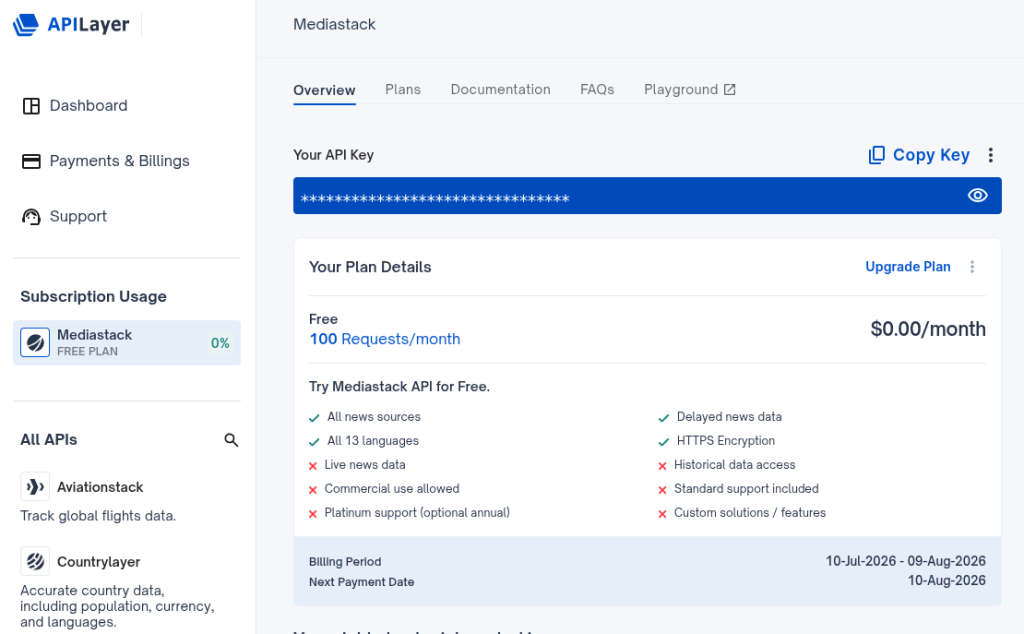
Next, search news by company name or ticker. Company name usually returns cleaner headlines, while the ticker is useful for compact watchlist UIs.
					curl
"https://api.mediastack.com/v1/news?access_key=$APILAYER_KEY&keywords=Apple&lan
guages=en&limit=3"
Mediastack returns pagination and article objects. This is the documented response shape for /news.
					{
   "data": [
    {
      "author": "TMZ Staff",
      "category": "general",
      "country": "us",
      "description": "Rafael Nadal is officially out of the U.S. Open.",
      "language": "en",
      "published_at": "2020-08-05T05:47:24+00:00",
      "source": "TMZ.com",
      "title": "Rafael Nadal Pulls Out Of U.S. Open Over COVID-19 Concerns",
      "url": "https://www.tmz.com/2020/08/04/rafael-nadal-us-open-tennis-covid-19-concerns/"
    }
  ],
  "pagination": {
    "count": 100,
    "limit": 100,
    "offset": 0,
    "total": 293
  }
}
For a stock tracker, the same response shape comes back when keywords is set to Apple, Nvidia, AAPL, or another company term.
Start with company names for better recall. Then store a manual override for symbols that collide with normal words or other companies.
For example, searching Apple is usually clearer than searching AAPL. Searching Meta may need extra filtering if your users expect only company news and not broad technology coverage.
Design the Response Before You Code
A good tracker response is shaped for the product, not for the upstream APIs. The frontend should not need to know which provider returned which field.
Define the minimum contract first. Most dashboards need a symbol, a price object, a news array, and a generated timestamp that tells the UI when your backend built the payload.
					{
 "generated_at": "2026-07-09T13:45:00+00:00",
 "news": "latest Mediastack articles as a small array",
 "price": "latest Marketstack record or null",
 "symbol": "AAPL"
}
Use null for missing price data and an empty array for missing news. That keeps the UI predictable and avoids special cases across every component.
Merge Prices and News in Node.js
This Express route accepts a ticker and a search term. In production, map symbols to company names in your database so AAPL becomes Apple, MSFT becomes Microsoft, and so on.
					import express from "express";
const app = express();
const key = process.env.APILAYER_KEY;
app.get("/tracker/:symbol", async (req, res) => {
    const symbol = req.params.symbol.toUpperCase();
    const query = req.query.q || symbol;
    const priceUrl = new URL("https://api.marketstack.com/v2/eod/latest");
    priceUrl.search = new URLSearchParams({
        access_key: key,
        symbols: symbol,
        limit: "1"
    });
    const newsUrl = new URL("https://api.mediastack.com/v1/news");
    newsUrl.search = new URLSearchParams({
        access_key: key,
        keywords: query,
        languages: "en",
        limit: "5"
    });
    const [priceRes, newsRes] = await Promise.all([
        fetch(priceUrl), fetch(newsUrl)
    ]);
    if (priceRes.ok === false || newsRes.ok === false) {
        return res.status(502).json({
            error: "Upstream API request failed"
        });
    }
    const [priceJson, newsJson] = await Promise.all([priceRes.json(), newsRes.json()]);
    const price = priceJson.data?.[0] || null;
    const news = (newsJson.data || []).map((item) => ({
        title: item.title,
        source: item.source,
        url: item.url,
        published_at: item.published_at
    }));
    res.json({
        symbol,
        price,
        news
    });
});
app.listen(3000);
Call it like this:
curl "http://localhost:3000/tracker/AAPL?q=Apple"
Your frontend now has one payload to render. The price card reads from price. The headline list reads from news.
The route uses Promise.all because price and news requests do not depend on each other. That keeps response time close to the slower upstream request instead of the sum of both requests.
If one provider fails, decide whether the entire response should fail. For many dashboards, it is better to show the price without news than to show nothing.
Return a Clean Tracker Payload
A combined response should be small enough to cache and stable enough for the UI to trust. Do not pass every upstream field through unless the product needs it.
					{
 "news": [
   {
     "published_at": "2026-07-08T16:20:00+00:00",
     "source": "Example Finance",
     "title": "Apple shares rise as services revenue grows",
     "url": "https://www.apple.com/newsroom/"
   }
 ],
 "price": {
   "close": 214.4,
   "date": "2026-07-08T00:00:00+0000",
   "volume": 41235100
 },
 "symbol": "AAPL"
}
For a dashboard, cache price responses based on your plan and data freshness needs. Cache news for a shorter window if the UI is built around live market events.
Add generated_at when you return this object from your backend. It gives the frontend a simple way to show freshness without parsing upstream timestamps from two different datasets.
Handle Empty Results and API Errors
Empty results are normal. A ticker can be invalid, a market can be closed, or a company can have no recent headlines for the chosen keyword.
Return a successful response when the request itself worked but one dataset is empty. Reserve 4xx and 5xx responses for invalid input, authentication problems, and upstream failures.
					{
 "message": "No matching tracker data found",
 "news": [],
 "price": null,
 "symbol": "AAPL"
}
This is easier for the frontend to render than a generic server error. It also gives users a clear difference between no data and broken data.
Cache the Tracker Response
Caching keeps the tracker fast and keeps repeated views from making the same upstream calls. A watchlist page can ask for the same ticker many times during a session.
Use a short cache key that includes the symbol and the news query. For example, tracker:AAPL:Apple can store the merged response for a few minutes.
Price freshness depends on the endpoint and your product needs. News freshness depends on how quickly headlines matter to your users.
Render It in the Dashboard
The UI can stay simple. Put the latest close, volume, and date in a price card, then list the top three headlines below it.
Each headline should link to the original article URL returned by Mediastack. Show the source and publish time so users can judge context without opening every article.
For portfolio tools, render this tracker beside holdings and performance. For research tools, make the news list the primary surface and keep the price summary compact.
FAQs
1). Can I use Marketstack and Mediastack with one API key?
Yes. Both APIs are in the APILayer suite, so one APILayer key can call both APIs.
2). How do I get real-time stock prices from the Marketstack API?
Call the Marketstack v2 endpoints with your API key and requested symbol.
3). How do I fetch stock-related news with the Mediastack API?
Call /v1/news with a company name or ticker in the keywords parameter.
4). Is Marketstack free to use?
Yes. Marketstack has a free plan for testing and small projects.
5). What is the current Marketstack API version?
Marketstack uses v2 endpoints in the current APILayer documentation.
